Setting up the void keychain
Updated November 3, 2026
In testing: the void keychain is a small batch of recorders in the hands of early testers, and this guide is written for them. It will be available to everyone soon.
The keychain is the void with no phone at all: hold the button, say the thought, let go. It keeps recordings until it's back on your Wi-Fi, then sends them to be transcribed and sorted.
what it is
A small recorder that lives on your keys, with one button and an e-ink screen. Hold the button and talk; let go and it's saved. Recordings wait on the keychain, about half an hour of them, and upload by themselves whenever it can reach a Wi-Fi network you've given it. Each one becomes a memo, transcribed and sorted exactly like one recorded in the app.
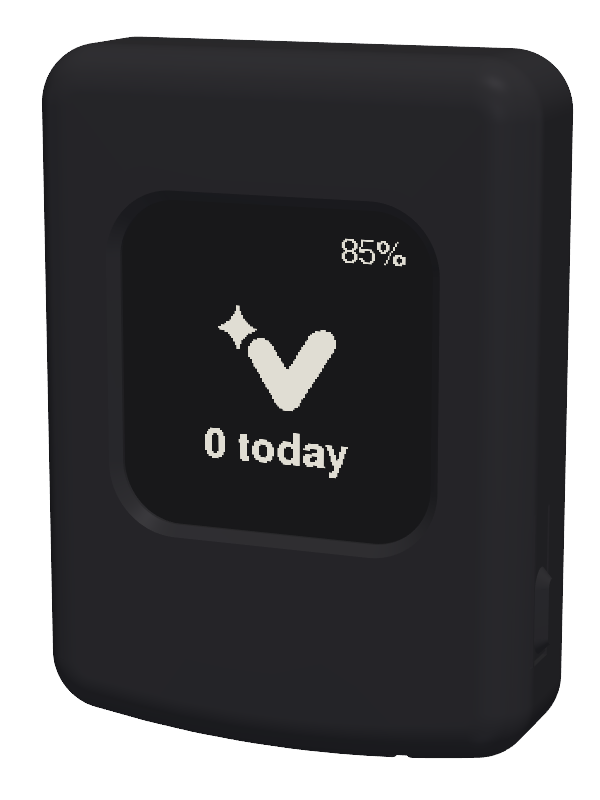
There's no app to open and nothing to scroll. The screen shows only what you need: how many memos you've made today, and whether any are still waiting to go.
before you start
- A void account with a confirmed email address. Sign up at tothevoid first if you haven't.
- The name and password of your Wi-Fi network. The keychain uses 2.4 GHz Wi-Fi, which almost every home router offers.
- A phone or laptop with Wi-Fi, for a few minutes.
- Some charge in the keychain. Plugging it in while you set it up is easiest.
set it up
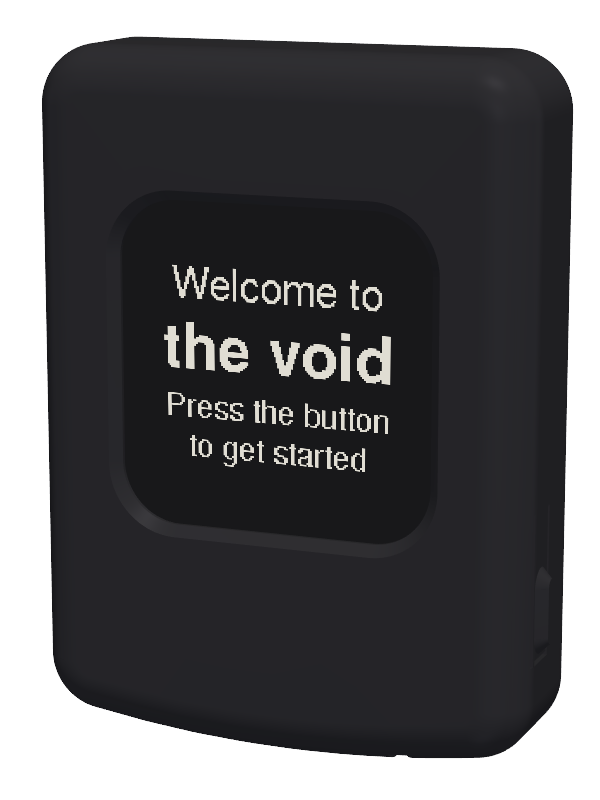
- Press the button. A new keychain says "Welcome to the void", and pressing it opens setup.
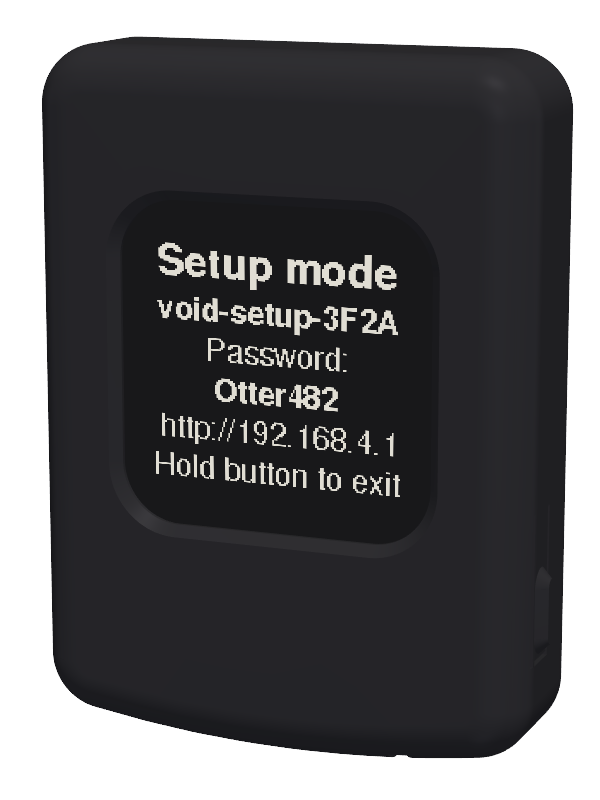
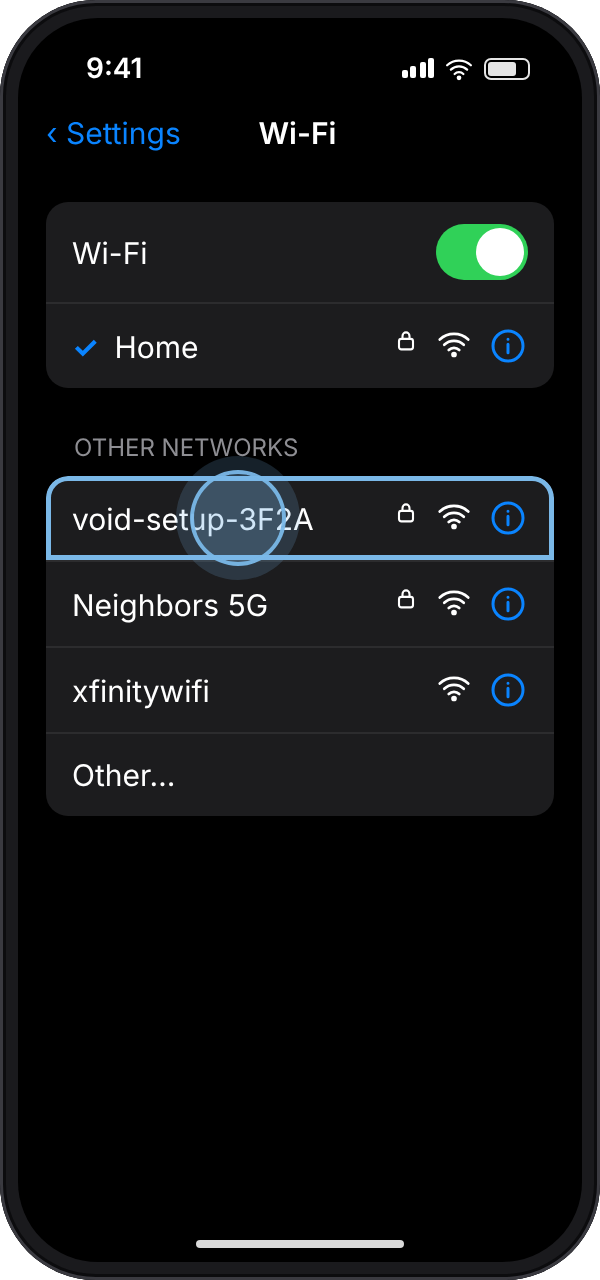
- The screen says Setup mode and shows a network name like void-setup-3F2A and a password, an animal and three numbers like Otter482. On your phone, open Settings, then Wi-Fi, and join that network with that password.
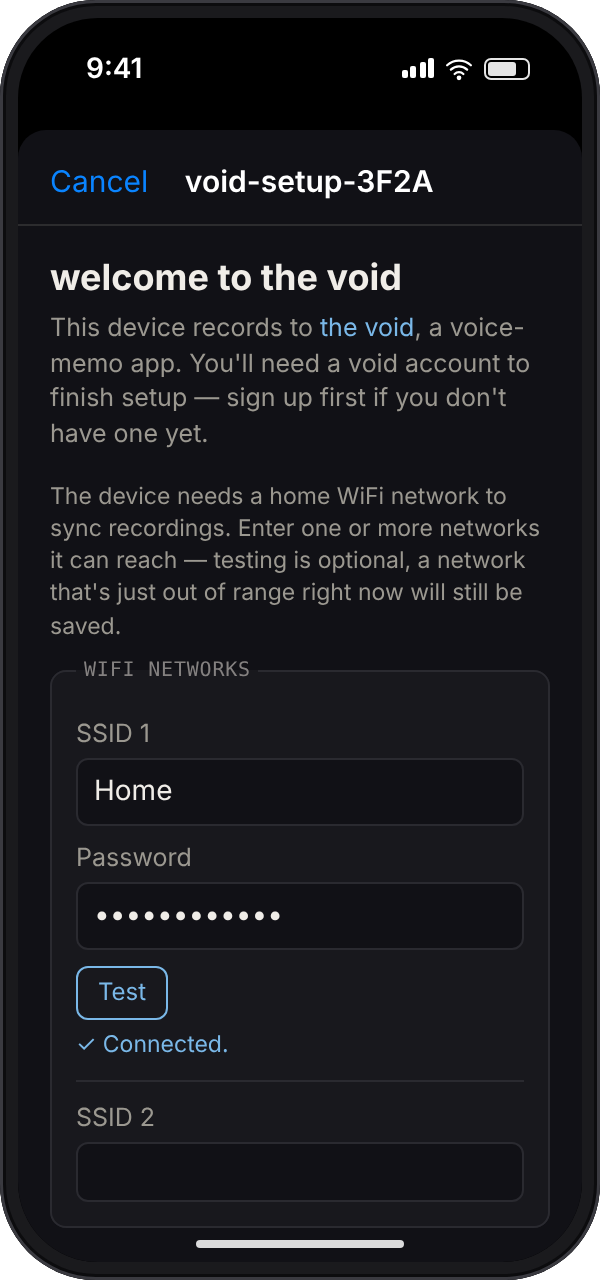
- The setup page should open by itself. If it doesn't, open a browser and go to the address on the keychain's screen, http://192.168.4.1.
- Under WiFi networks, enter your Wi-Fi's name (the SSID) and password. You can add up to three, say home and work. Tap Test to check one that's in range.
- Enter your UTC offset in hours, such as -5 for US Eastern time in winter.
- Under the void login, enter your void email address as the username, and your password. Tap Test to check them, then tap Save.
- Your phone drops off the setup network. The keychain joins your Wi-Fi, signs in and shows Setup complete!
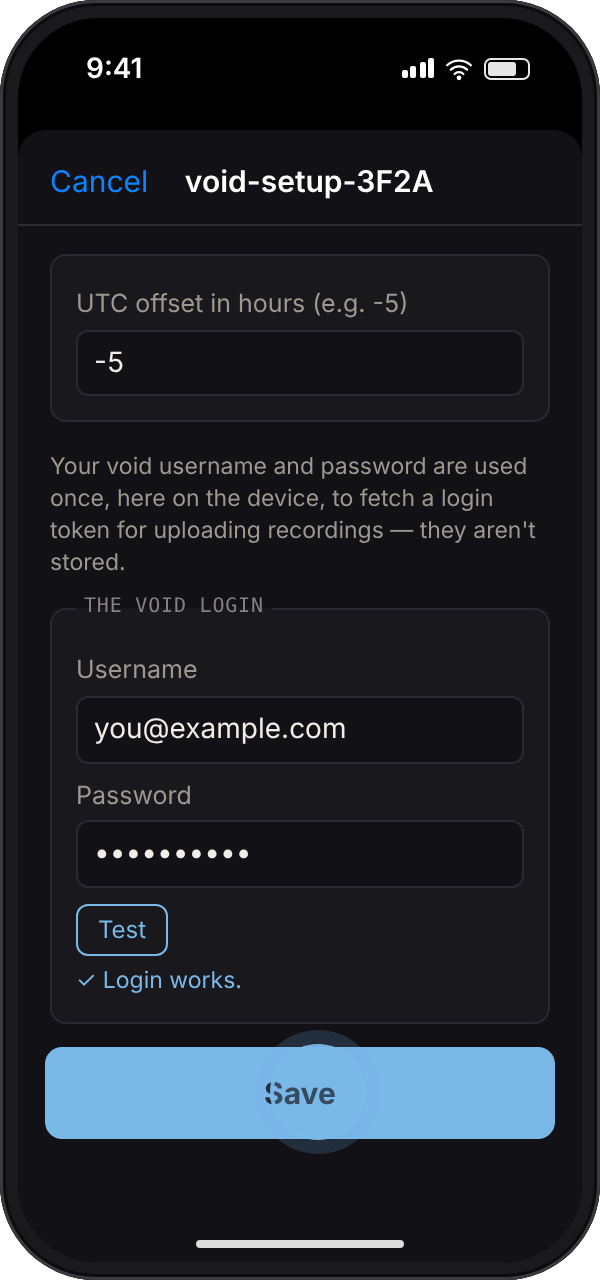
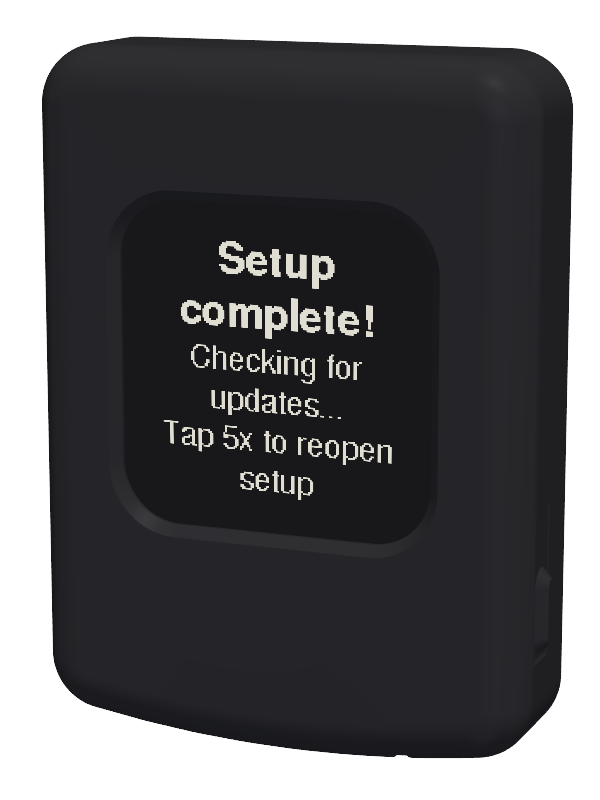
Your void password is used once, on the keychain, to get a login token, and isn't stored. If you don't finish, setup closes itself after five minutes.
record a memo
- Hold the button and talk. The screen says Recording while it listens.
- Let go when you're done.
- If your Wi-Fi is in range it uploads straight away. If not, the keychain keeps the recording and sends it later.
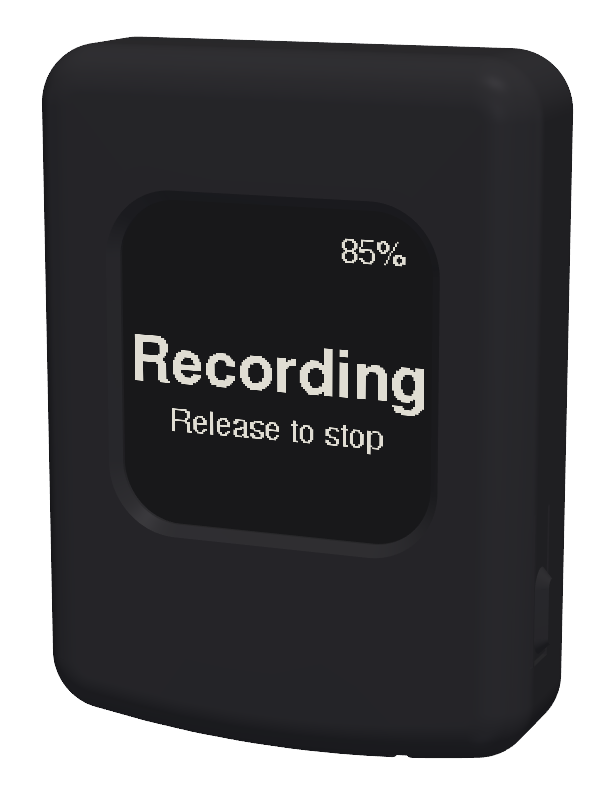
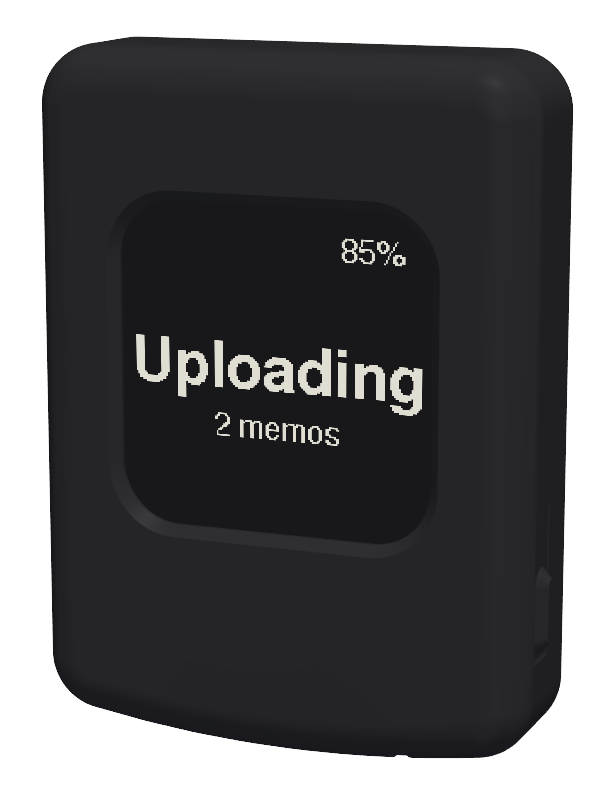
A quick tap, rather than a hold, checks for Wi-Fi and sends anything waiting. A recording can run up to 10 minutes.
reading the screen
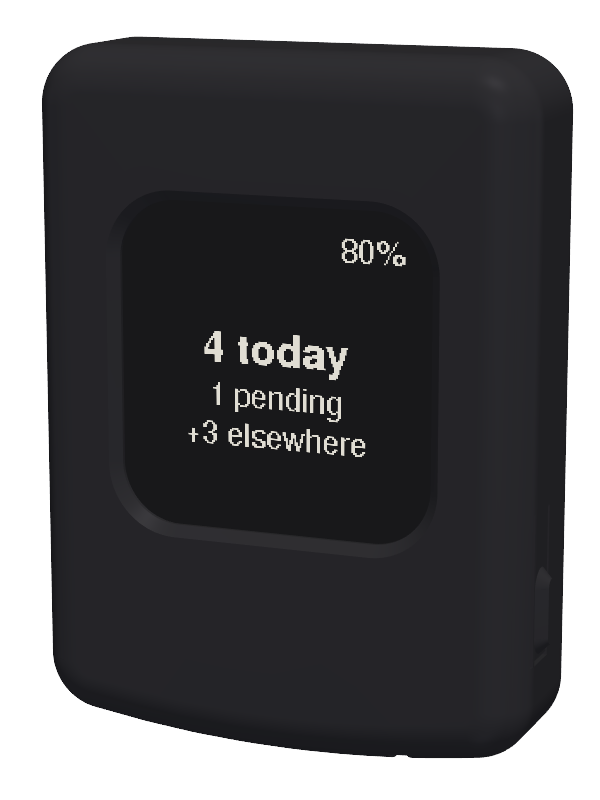
- N today: memos from this keychain today, counting any still waiting to upload.
- N pending: recorded but not uploaded yet. They go the next time it reaches your Wi-Fi.
- +N elsewhere: memos you made today in the app, on the website or by text.
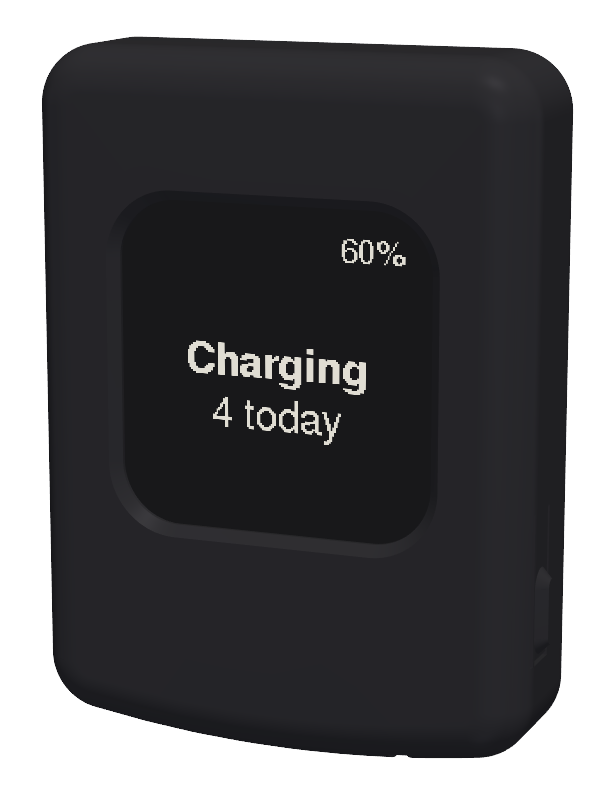
- The percentage in the corner is the battery. Charging and Charged show while it's plugged in.
- Battery low: it still records, but waits for a charge to upload.
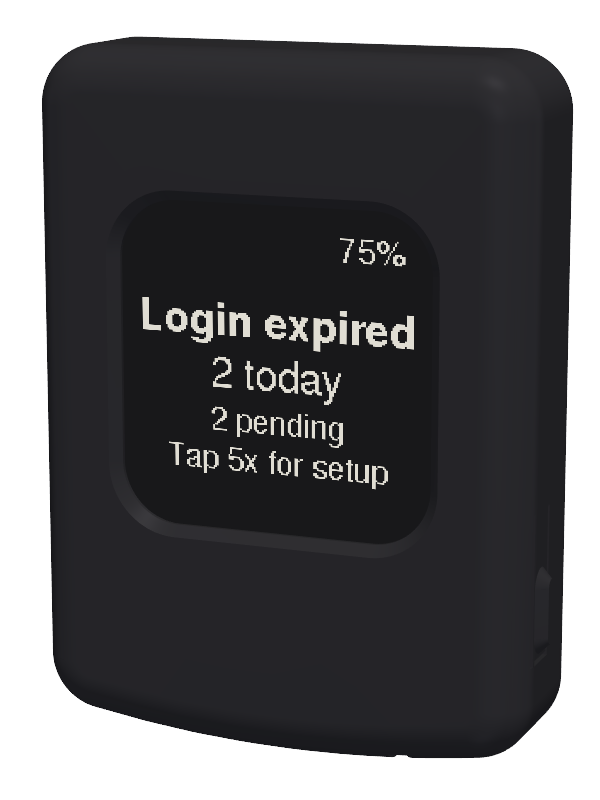
- Login expired: the keychain was signed out, which happens when you change or reset your void password. Tap five times to open setup and sign in again.
- Storage full: it can't record more until it uploads. Bring it within reach of your Wi-Fi.
change Wi-Fi or your login
- Tap the button five times quickly, or tap it once while it's plugged in.
- Join the void-setup network again and open the setup page, as before.
- Saved networks and the linked account are listed, each with a Delete button. Leave a field blank to keep what's already there.
- Tap Save, or hold the button to leave setup without changing anything.
updates
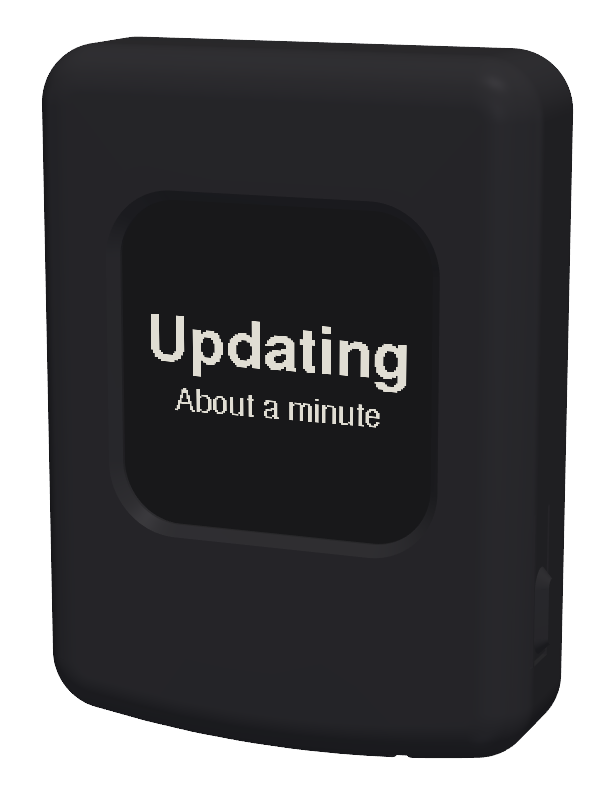
The keychain updates itself. It checks when you plug it in and when you finish setup, and if there's a new version it shows Updating and installs it, which takes about a minute. Leave it be until its normal screen comes back. Every update is checked before it's installed, and if one doesn't work, the keychain goes back to the version it had.
questions
How do I connect the void keychain to Wi-Fi?
Tap the button five times to open setup, join the void-setup network shown on its screen from your phone, and enter your Wi-Fi name and password on the page that opens. Tap Save and the keychain joins your network.
Does the keychain work with 5 GHz Wi-Fi?
No, it needs a 2.4 GHz network. Most routers broadcast both under one name, which works. If yours has a separate 5 GHz name, use the other one.
Can it use hotel or office Wi-Fi with a sign-in page?
No. It needs a network that asks only for a name and password, such as your home Wi-Fi or a phone's hotspot (on an iPhone, turn on Maximize Compatibility). Recordings wait on the keychain until it reaches one.
Do I need my phone to use it?
Only for setup. After that it records and uploads on its own.
How many recordings can it hold?
About half an hour of speech. The screen warns you when there's less than ten minutes of room left.
Why does it say Login expired?
Changing or resetting your void password signs the keychain out. Tap the button five times to open setup and enter your login again.
Does the keychain store my password?
No. The password is used once, during setup, to get a login token for uploading. Only the token is kept on the keychain.
Can I get one?
The keychain is with early testers now and will be available to everyone soon.